This example demonstrates a research canvas UI.
Live demo: https://examples-coagents-research-canvas-ui.vercel.app/
Tutorial Video:
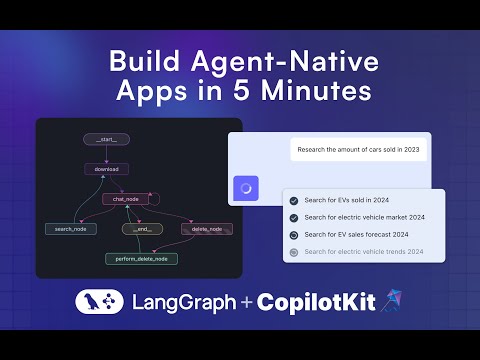
These instructions assume you are in the coagents-research-canvas/ directory
First, install the backend dependencies:
cd agent-py
poetry installcd agent-js
pnpm installThen, create a .env file inside ./agent-py or ./agent-js with the following:
OPENAI_API_KEY=...
TAVILY_API_KEY=...
LANGSMITH_API_KEY=...(JS ONLY)
Then, run the demo:
poetry run demoFirst, install the dependencies:
cd ./ui
pnpm i
Then, create a .env file inside ./ui with the following:
OPENAI_API_KEY=...
Then, run the Next.js project:
pnpm run devapp/api/copilotkit/route.ts, remoteEndpoints action:
//const runtime = new CopilotRuntime({
 // remoteEndpoints: [
    // Uncomment this if you want to use LangGraph JS, make sure to
    // remove the remote action url below too.
    //
    // langGraphPlatformEndpoint({
    //   deploymentUrl: "http://localhost:8123",
    //   langsmithApiKey: process.env.LANGSMITH_API_KEY || "", // only used in LangGraph Platform deployments
    //   agents: [{
    //       name: "research_agentt",
    //       description: "Research agent"
    //   }]
    // }),
 // ],
//});
Next for JS run these commands:
- Run this command to start your LangGraph server
npx @langchain/langgraph-cli dev --host localhost --port 8123 - Run this command to connect your Copilot Cloud Tunnel to the LangGraph server
npx copilotkit@latest dev --port 8123
Navigate to http://localhost:3000.
Run LangGraph studio, then load the ./agent-py folder into it.
A few things to try if you are running into trouble:
- Make sure there is no other local application server running on the 8000 port.
- Under
/agent/research_canvas/demo.py, change0.0.0.0to127.0.0.1or tolocalhost