It will prompt you with instructions on your first start. If you already have Copilot.vim or Copilot.lua, it will work automatically.
pip install python-dotenv requests pynvim prompt-toolkit- Put it in your lazy setup
require('lazy').setup({
  {
    "gptlang/CopilotChat.nvim",
    opts = {},
    build = function()
      vim.cmd("UpdateRemotePlugins")
    end,
    event = "VeryLazy",
    keys = {
      { "<leader>cce", "<cmd>CopilotChatExplain<cr>", desc = "CopilotChat - Explain code" },
      { "<leader>cct", "<cmd>CopilotChatTests<cr>", desc = "CopilotChat - Generate tests" },
    },
  },
    ...
})- Run
:UpdateRemotePlugins - Restart
neovim
- Put the files in the right place
$ git clone https://github.com/gptlang/CopilotChat.nvim
$ cd CopilotChat.nvim
$ cp -r --backup=nil rplugin ~/.config/nvim/
- Install dependencies
$ pip install -r requirements.txt
- Open up Neovim and run
:UpdateRemotePlugins - Restart Neovim
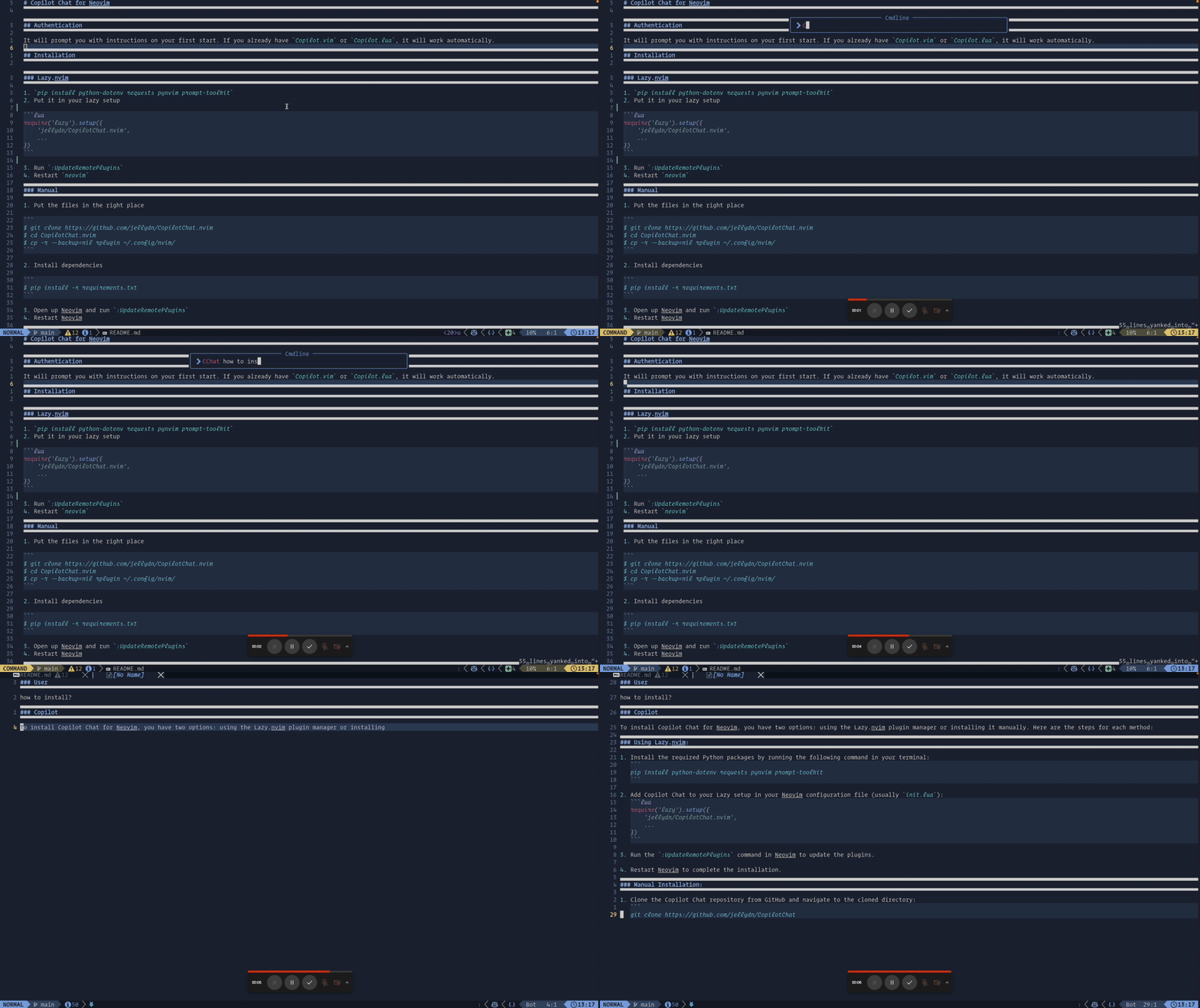
- Yank some code into the unnamed register (
y) :CopilotChat What does this code do?
- Translation to pure Lua
- Tokenizer
- Use vector encodings to automatically select code
- Sub commands - See issue #5