 GitHub Community
Visual Studio 2022 locks up, completely unresponsive if Copilot Settings menu is clicked prior to Plugin being activated #13883

Replies: 1 comment 3 replies

-
|
Should be fixed in the latest release (v1.10.0.2 or later). Please update and give it a try! |
Beta Was this translation helpful? Give feedback.

-
|
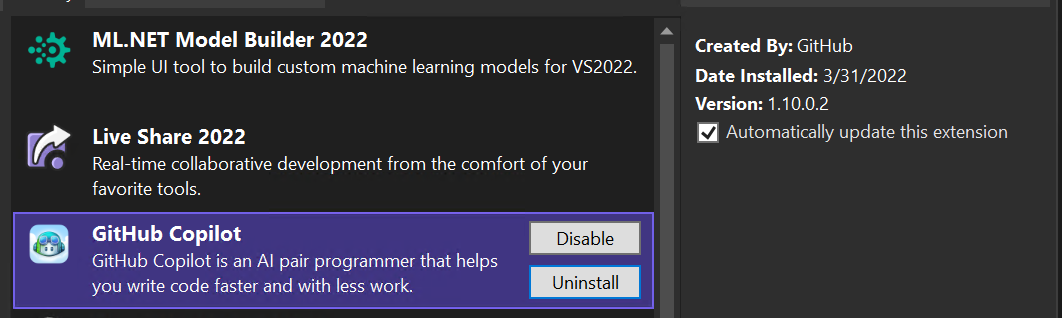
I just tried it again (latest plugin) with VS 2022 17.2.0-2.1 and I see the same behavior.
|
Beta Was this translation helpful? Give feedback.

-
|
Ah, dang. The fix didn't make it to that build, but it's there in v1.10.0.3 and later. Please let me know if that fixed it for you! Thanks 💯 |
Beta Was this translation helpful? Give feedback.
-
|
All fixed in 1.10.0.3, and it even kicks off the activation process! Nice work @kzu
|

Beta Was this translation helpful? Give feedback.


Uh oh!
There was an error while loading. Please reload this page.
-
This is just feedback - plugin works for me as expected after activation.
I installed Copilot in VS 2022 (did not activate), restarted Visual Studio and did not open a project - I went into Edit | Copilot Suggestions | Settings... it locks up Visual Studio completely. Tried with VS 2022 (17.1.2) and the Preview (17.2.0-2.1) versions.
Once the plugin is activated, the Settings dialog is displayed.
Beta Was this translation helpful? Give feedback.
All reactions