 GitHub Community
Projects: can not add external collaborator to my Github Organisation Project #36512

Replies: 2 comments 3 replies

-
|
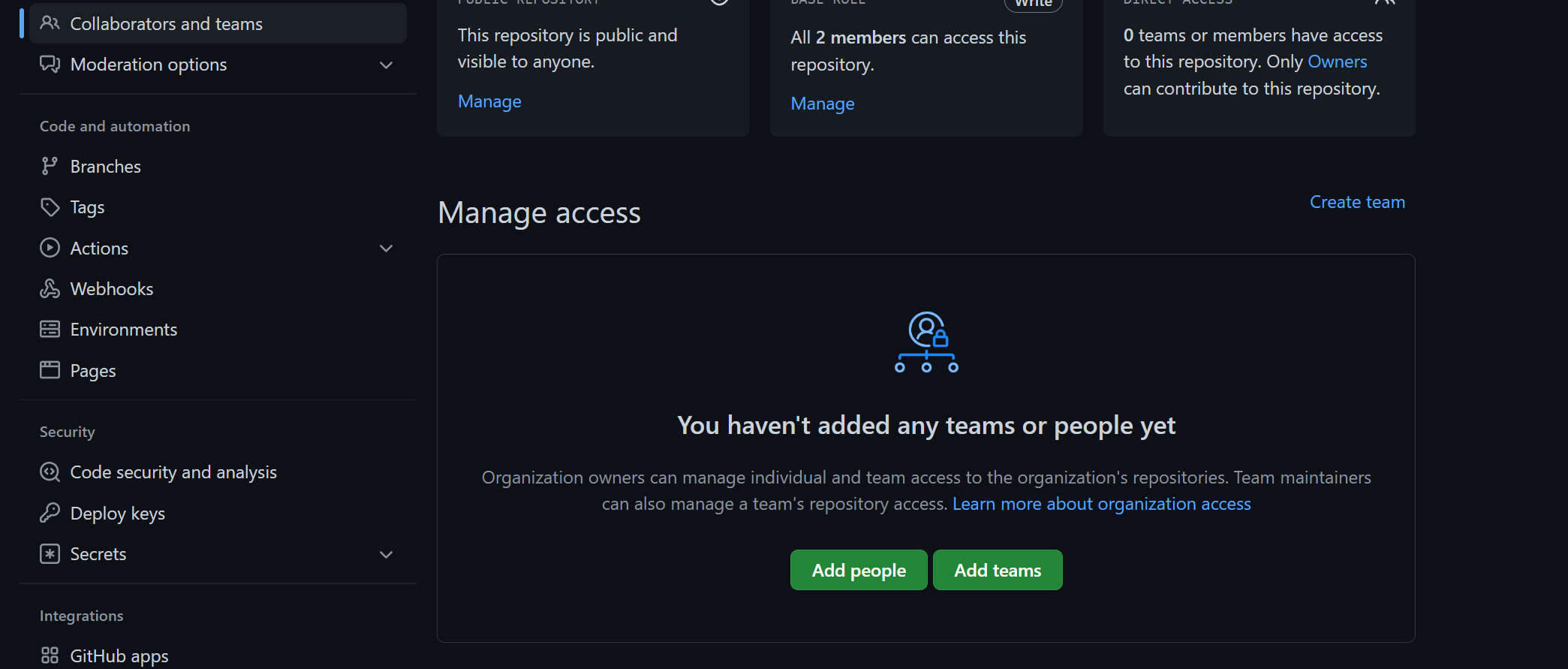
I just tried to add an external collaborator to a project of my own organization and all were successful. Maybe you typed the target user's nickname instead of his/her username. Try to visit their homepage and check the URL to get his/her username.
|

Beta Was this translation helpful? Give feedback.

-
|
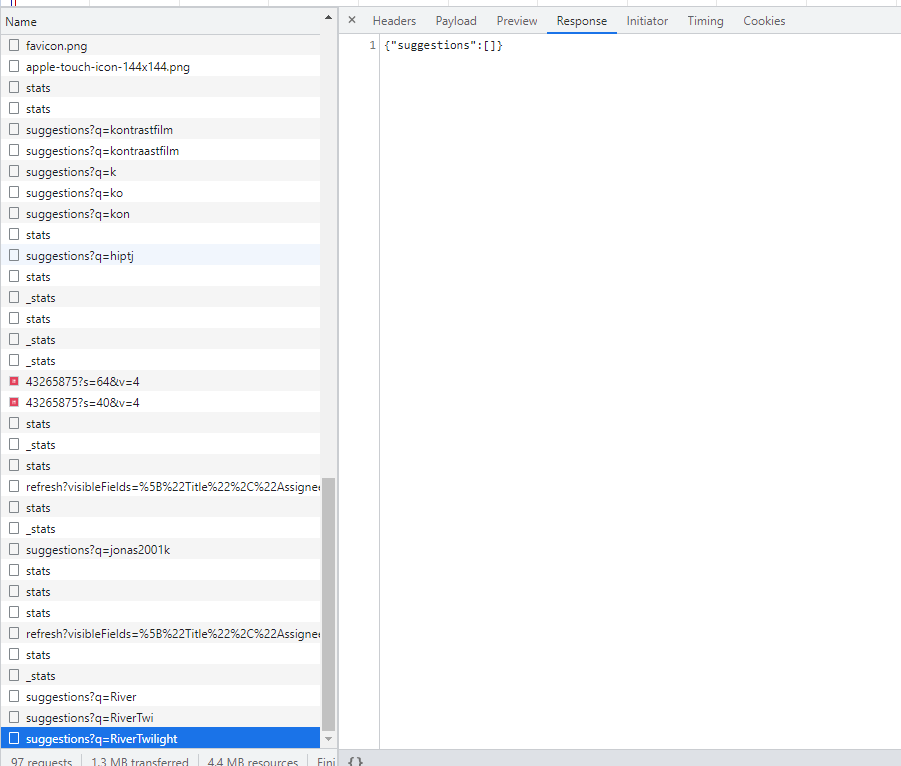
That does not work for me, i don't know why tough. When typing, no suggestions are displayed.
|
Beta Was this translation helpful? Give feedback.

-
|
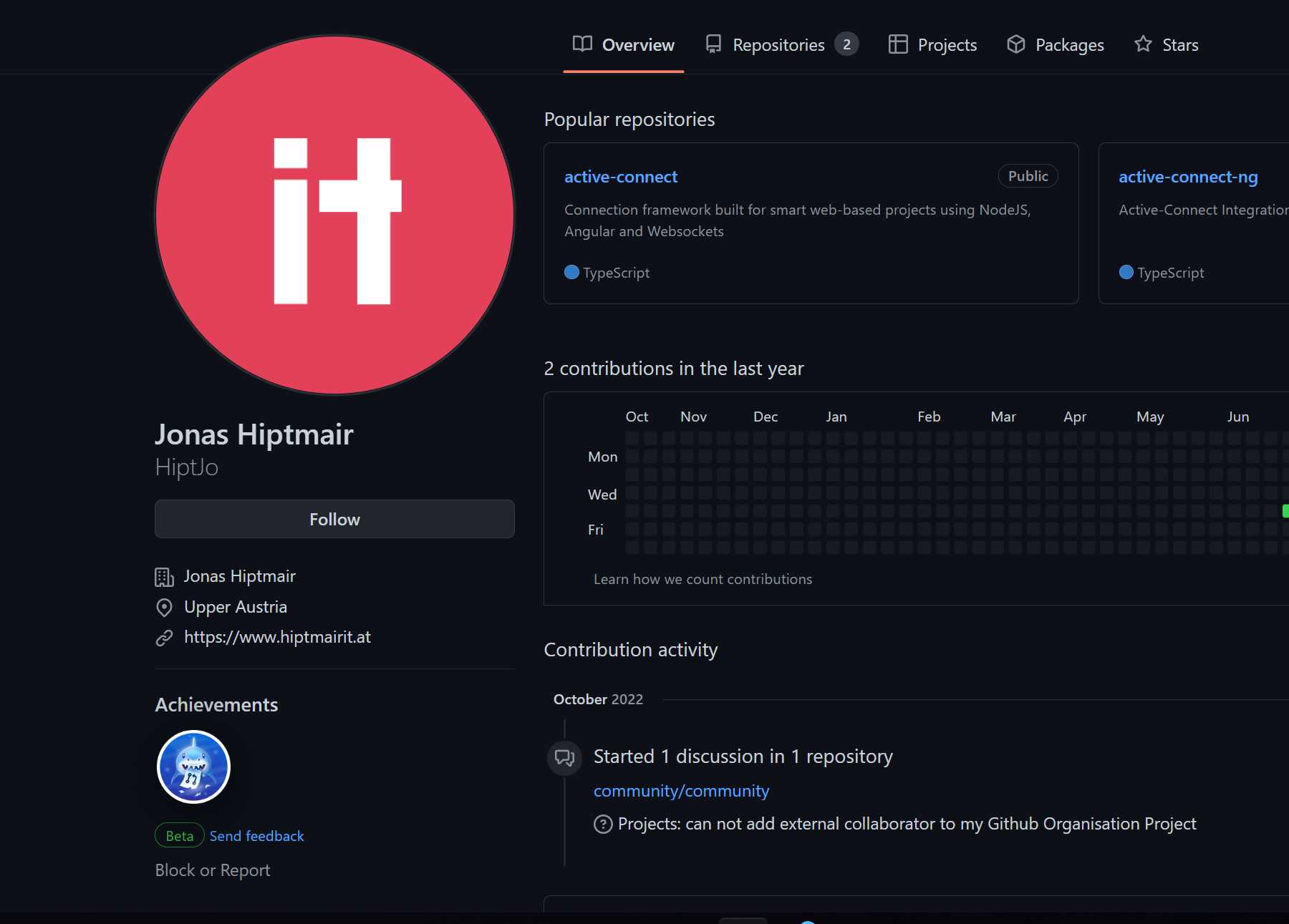
I checked your GitHub profile page but cannot find any organization you are in.
Could you send the organization link? |
Beta Was this translation helpful? Give feedback.
-
Beta Was this translation helpful? Give feedback.

-
|
Hey there @HiptJo and thank you for asking a good question! I'm glad you found our community 🙂 |
Beta Was this translation helpful? Give feedback.


Uh oh!
There was an error while loading. Please reload this page.
-
When following the instructions provided, the popup for adding a new user to a project, the user can not be added at the moment.
https://docs.github.com/en/organizations/managing-access-to-your-organizations-project-boards/adding-an-outside-collaborator-to-a-project-board-in-your-organization
When typing the username or email, no selection dropdown item appears.
When clicking on Invite, nothing happens at all.
Does anybody have similar issues?
Beta Was this translation helpful? Give feedback.
All reactions