| title | Prebuilt Components |
|---|---|
| icon | lucide/SendHorizontal |
| description | Drop-in chat components for your LangGraph agent. |
CopilotKit ships three prebuilt chat components that connect directly to your LangGraph agent. Each is a wrapper around CopilotChat with a different layout — pick the one that fits your app and you're done.
Import the default styles in your root layout:
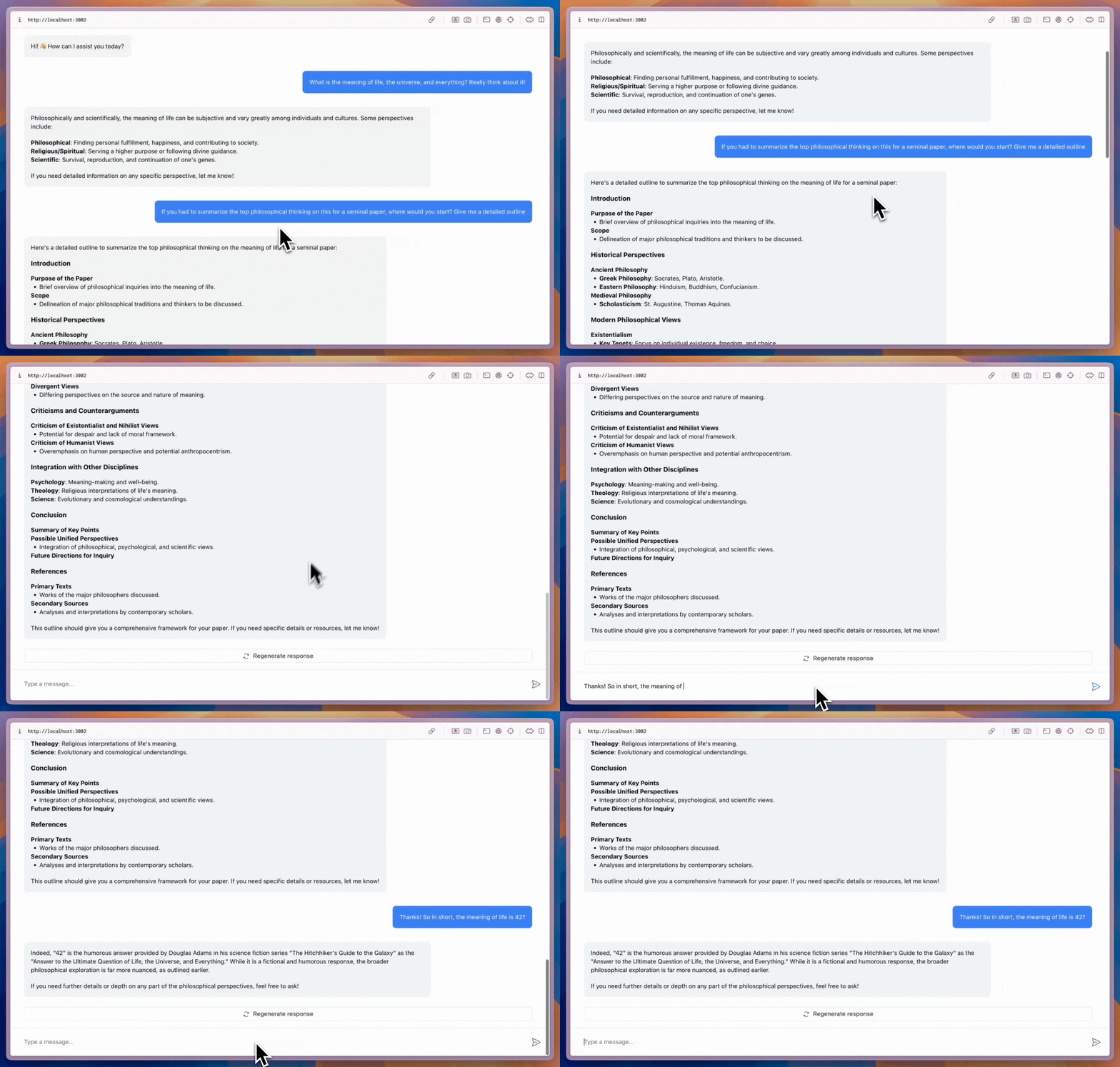
A flexible chat component that can be placed anywhere in your app and sized as needed.
// [!code word:CopilotChat]

export function YourComponent() {
  return (
    <CopilotChat
      labels={{
        modalHeaderTitle: "Your Assistant",
        welcomeMessageText: "Hi! How can I assist you today?",
      }}
    />
  );
}
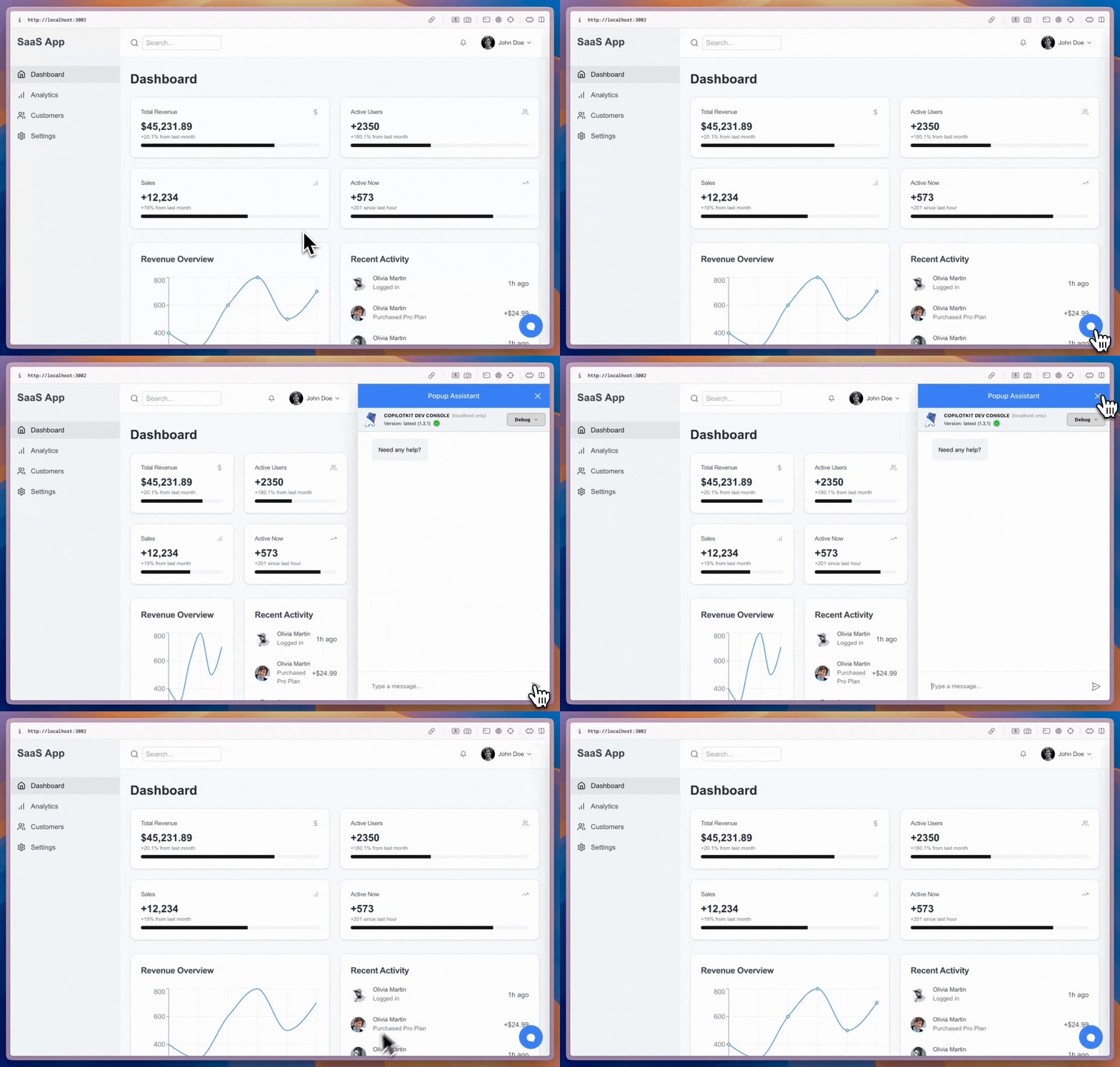
Wraps your main content and provides a collapsible sidebar chat.
// [!code word:CopilotSidebar]

export function YourApp() {
  return (
    <CopilotSidebar
      defaultOpen={true}
      labels={{
        modalHeaderTitle: "Sidebar Assistant",
        welcomeMessageText: "How can I help you today?",
      }}
    >
      <YourMainContent />
    </CopilotSidebar>
  );
}
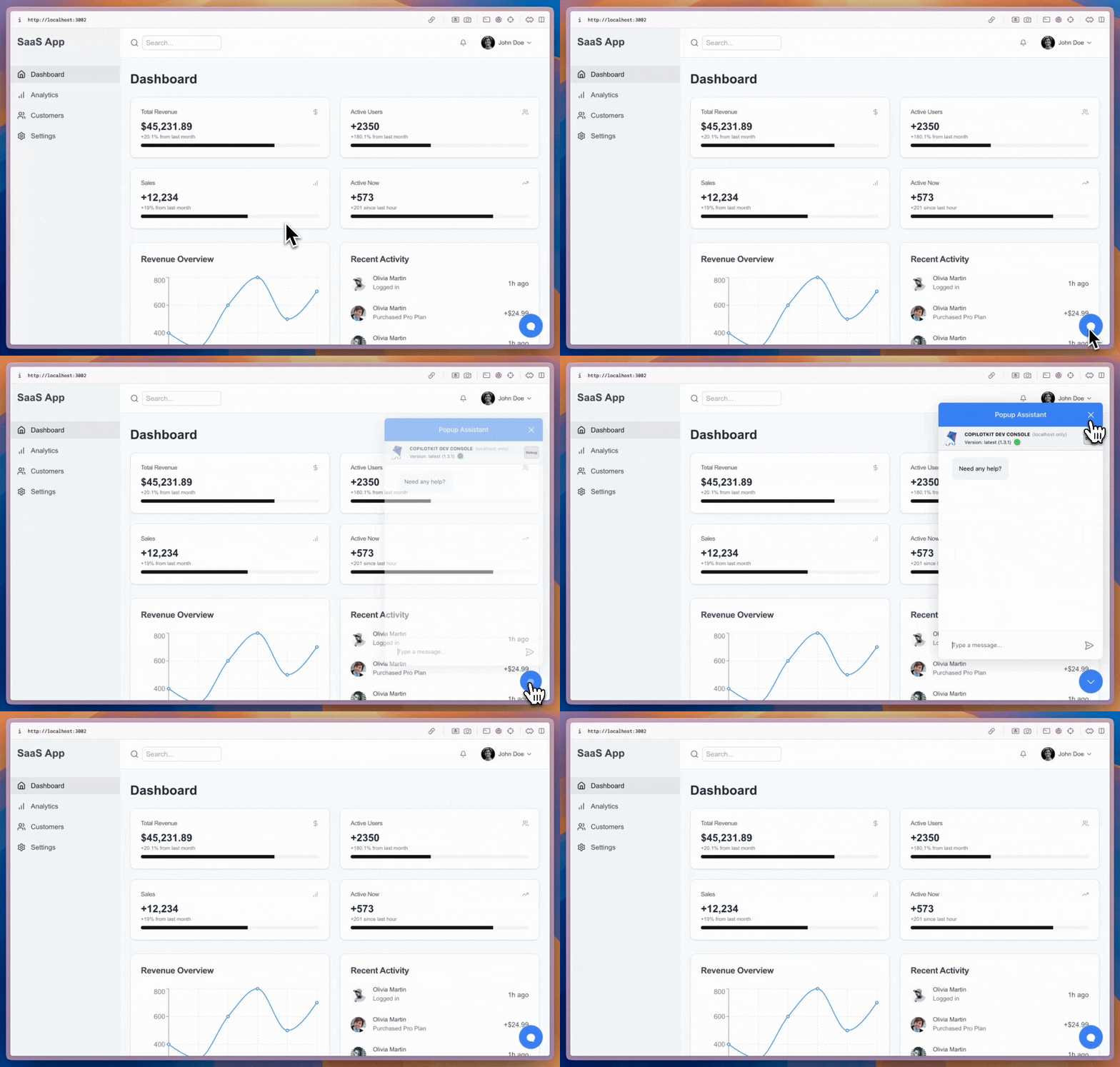
A floating chat bubble that sits alongside your content and toggles open/closed.
// [!code word:CopilotPopup]

export function YourApp() {
  return (
    <>
      <YourMainContent />
      <CopilotPopup
        labels={{
          modalHeaderTitle: "Popup Assistant",
          welcomeMessageText: "Need any help?",
        }}
      />
    </>
  );
}
All three components support the slot system for deep customization — from Tailwind classes to full component replacement:
<CopilotChat
  // Style slots with Tailwind classes
  input={{
    textArea: "text-lg",
    sendButton: "bg-blue-600 hover:bg-blue-700",
  }}
  // Customize nested message slots
  messageView={{
    assistantMessage: {
      className: "bg-gray-50 rounded-xl p-4",
      toolbar: "border-t mt-2",
    },
    userMessage: "bg-blue-100 rounded-xl",
  }}
  // Hide elements by returning null
  scrollView={{
    feather: () => null,
  }}
/>- Custom Look & Feel — Theme, restyle, or go fully headless with the slot system
- Programmatic Control — Drive your agent from code with
useAgentandcopilotkit.runAgent()