Hello there! I've been trying to use a specific script called "Twitter Media Downloader" with the Userscripts app on both iOS and macOS - unfortunately, there appears to be a problem, which only occurs on the Userscripts app, but not on other userscript managers, namely Tampermonkey.
Twitter Media Downloader userscript: what it does
The "Twitter Media Downloader" userscript does a few things:
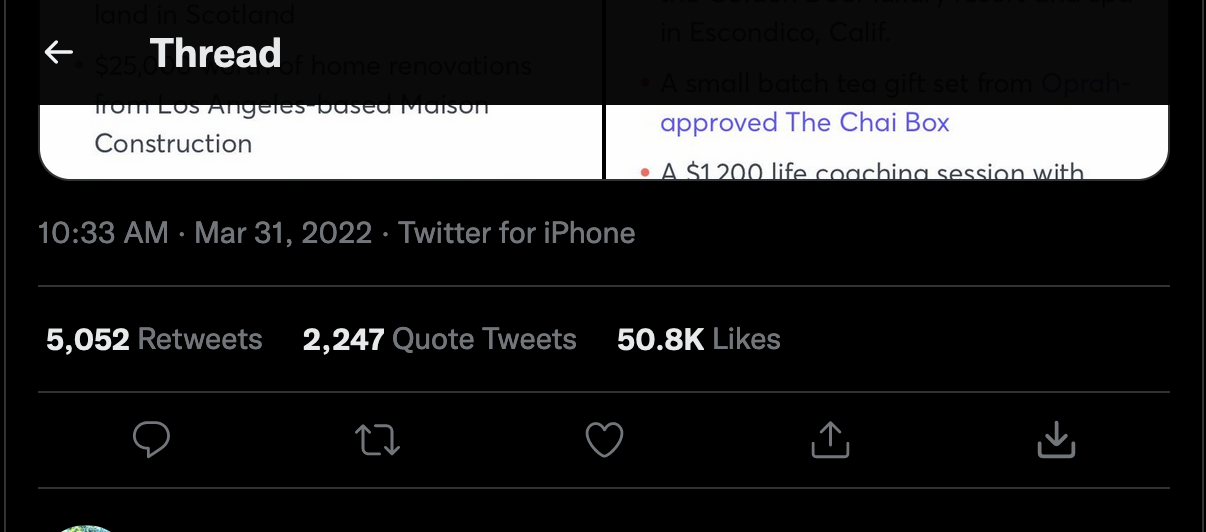
- add a SVG "download" logo to Tweets containing a photo or video
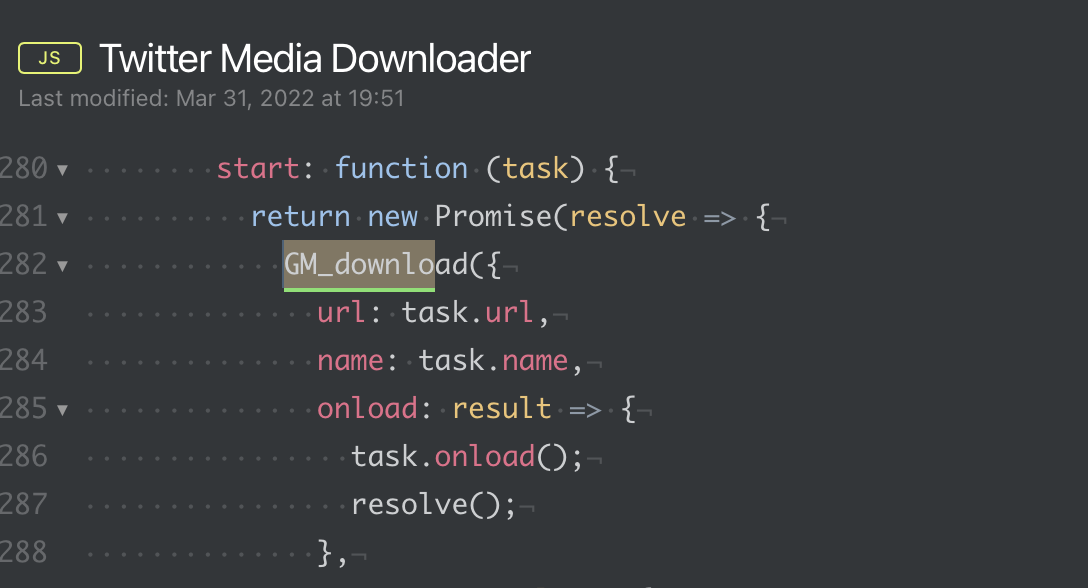
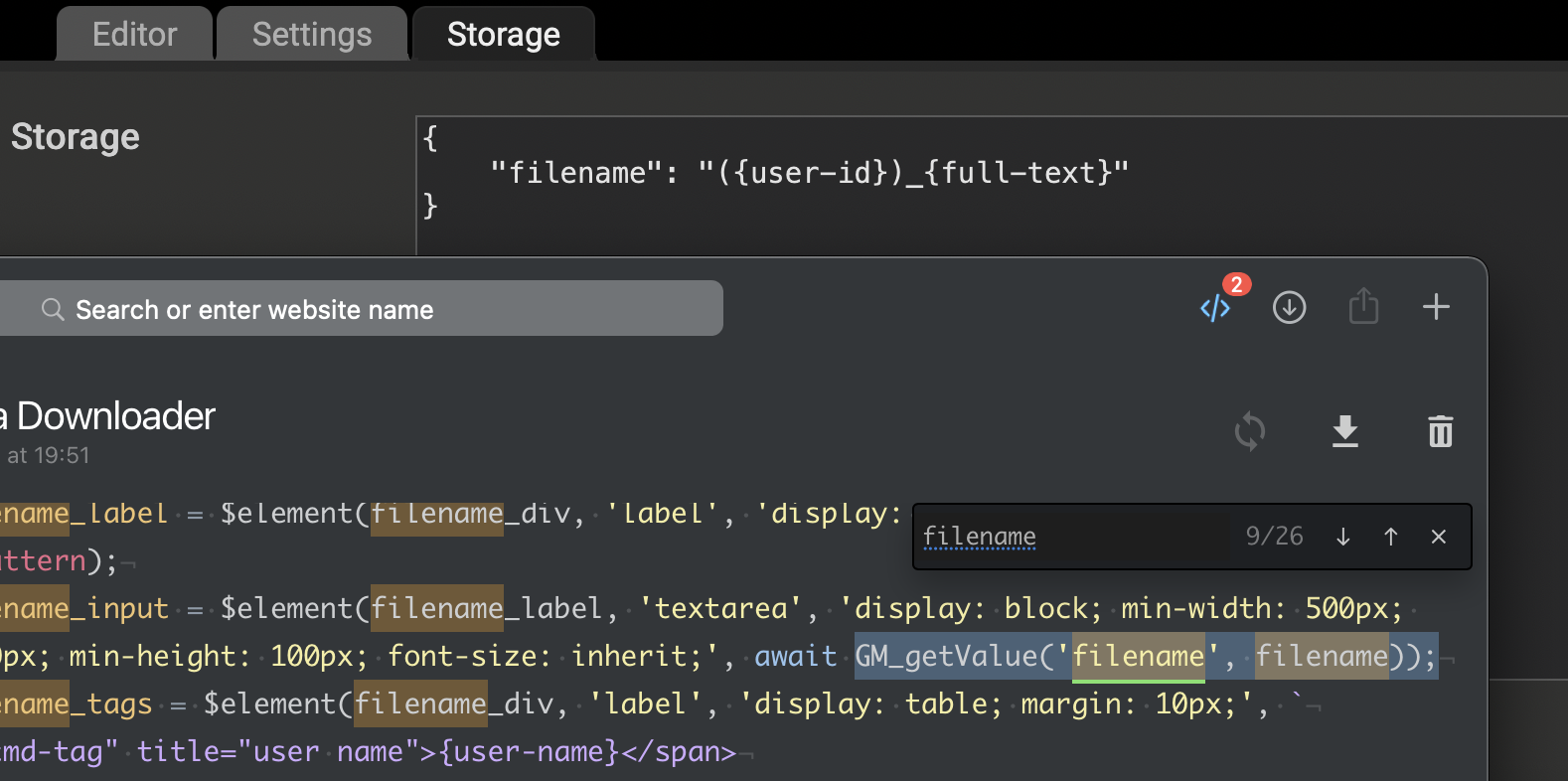
- then once clicked, the userscript will use the GM_download() function to download the file to the user's computer, using a filename template stored with the key
filename using gm_set/getValue.
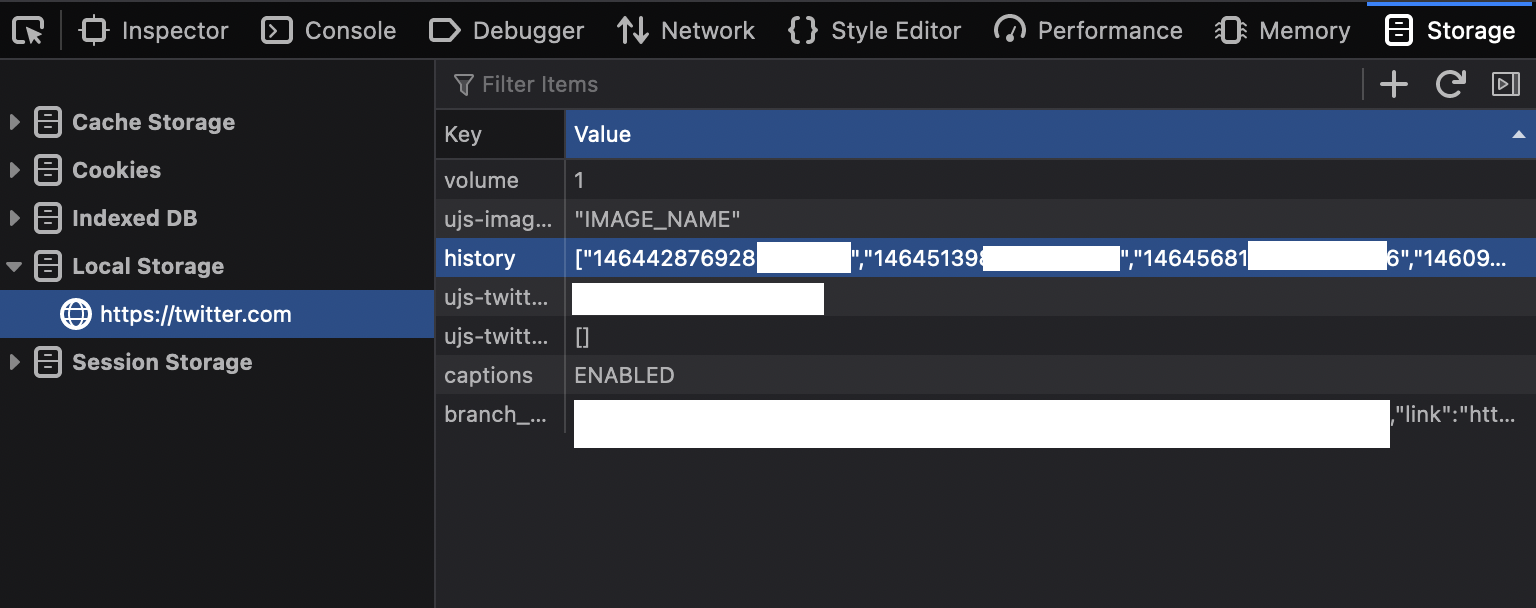
- If the download was successful, it'll save the Tweet's Status ID (e.g
1509343022340837377) in localStorage under the key history, and the SVG logo will be changed to "completed".
The problem
Other browsers
The userscript works well under Tampermonkey, both running under Firefox 98 and Chrome Mobile (Kiwi Browser) 99 (albeit the script needed a few modifications because of CSP not working in mobile.twitter.com).
In Userscripts by Quoid
However, running it under the Userscripts app under Safari on iPadOS 15.4 and and macOS Safari 15.3 fails to work; the "download" button is not shown on Tweets with images.
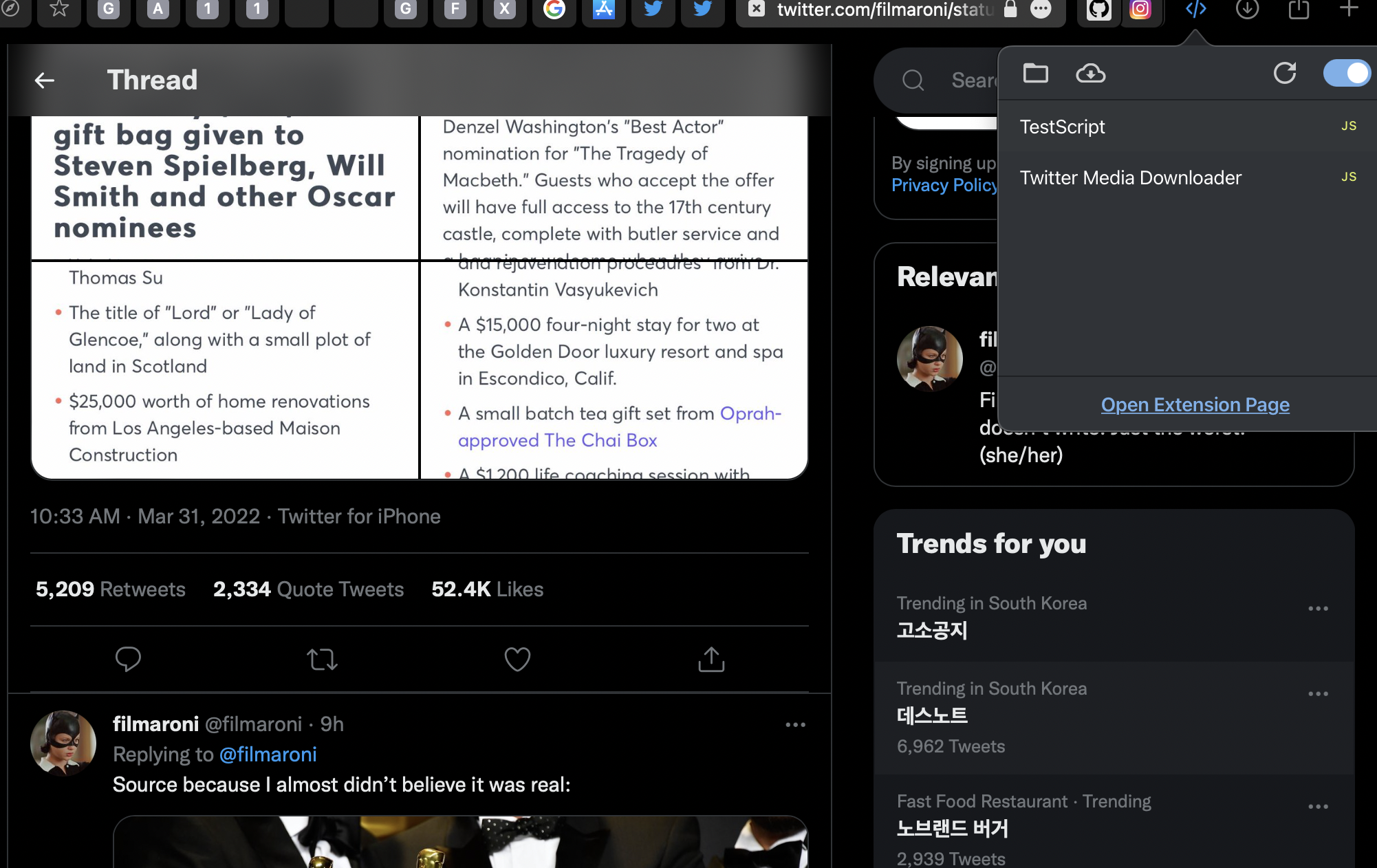
*Same Tweet in Safari; doesn't show the download button. On the Mac, but the result appears to be same on the iPad.*
CSP problems
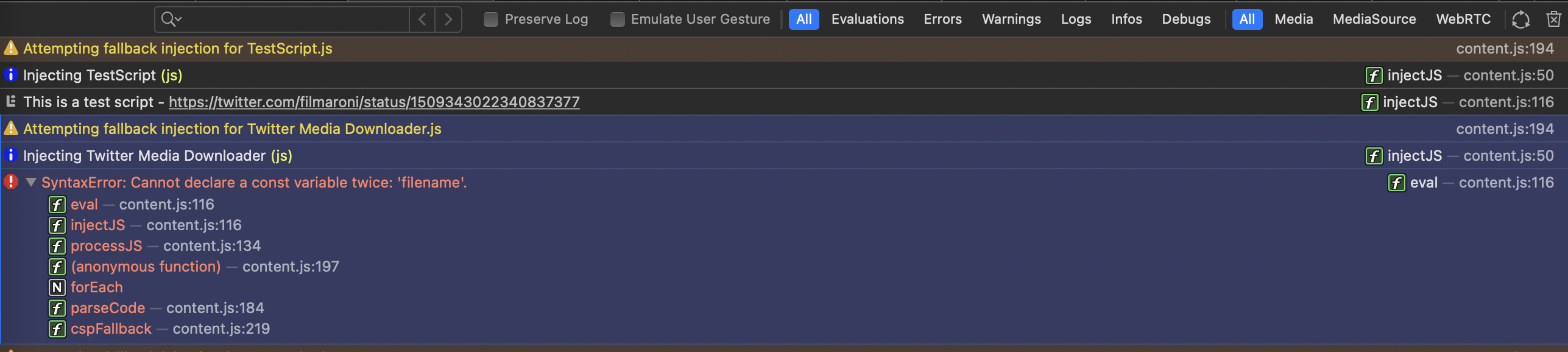
In the Console, it indicates that both injections (due to CSP) failed because of the error "Refused to execute a script because its hash, its nonce, or 'unsafe-inline' does not appear in the script-src directive of the Content Security Policy.
content.js:194"
SyntaxError on fallback injection
Interestingly, on the fallback (second) injection, the script throws a strange error: SyntaxError: Cannot declare a const variable twice: 'filename. The SyntaxError only appears to occur on the "Twitter Media Downloader" userscript and not the TestScript provided in the issuetemplate.
inject-into resolves CSP, but script still does not work
So, I searched around here for solutions, and setting // @inject-into content in the script's metadata seems to the script to be injected with no error and no double-injection caused by CSP.
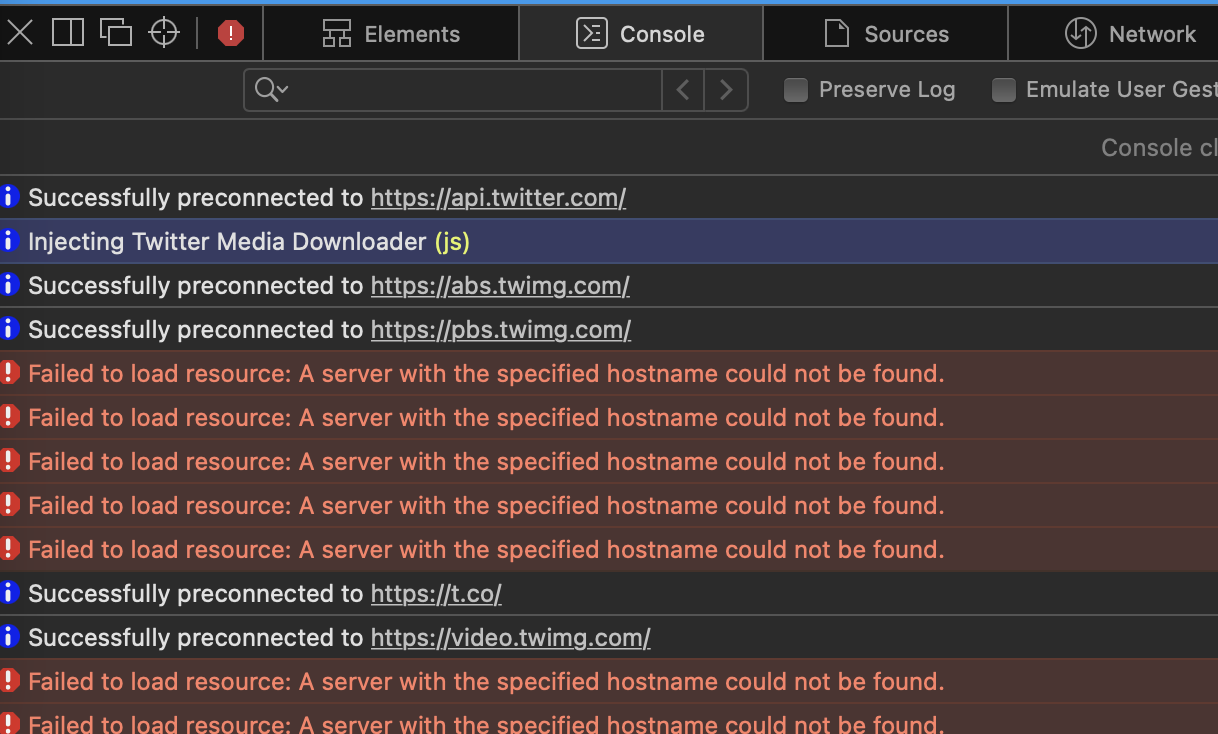
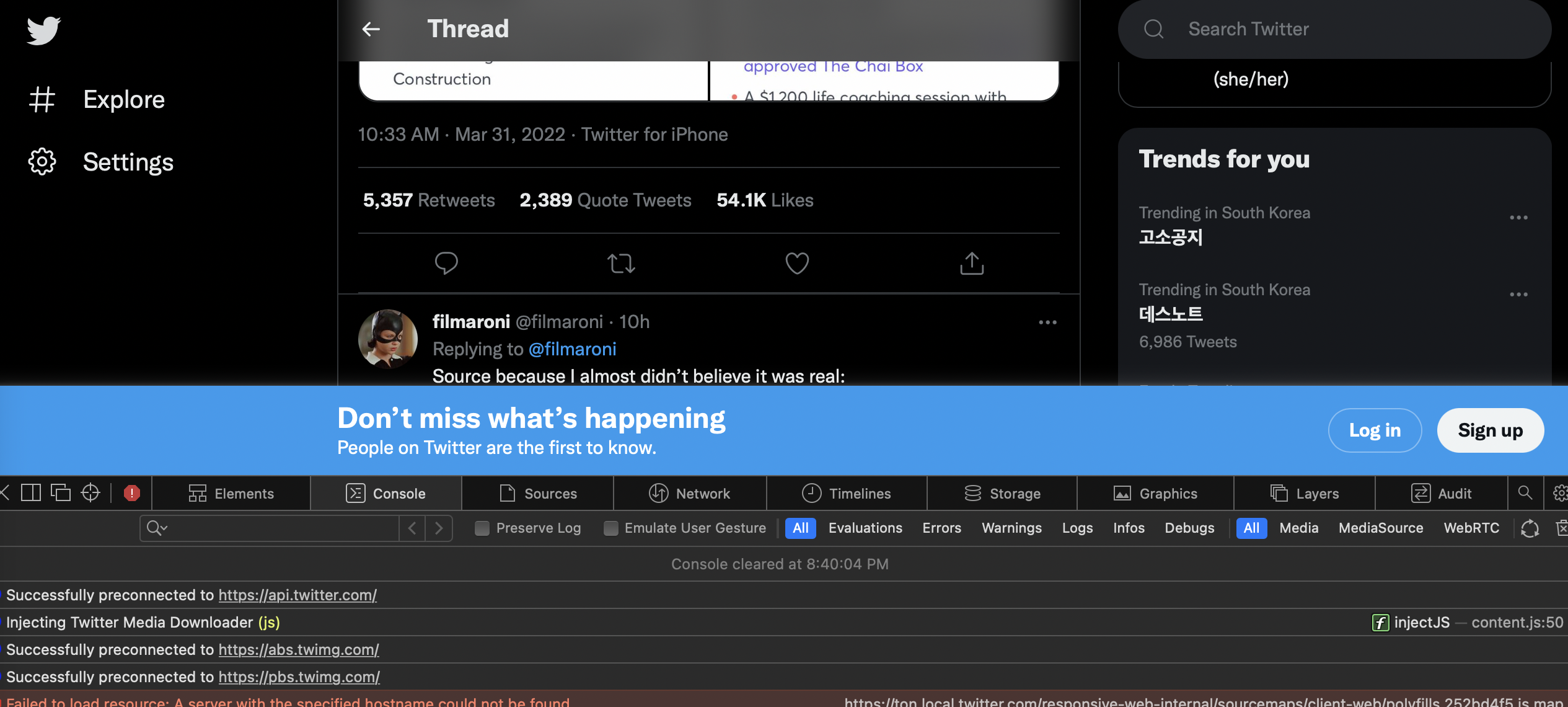
Still, even with inject-into set to "content", the script fails to take effect: the Download button does not appear on Tweets with Images.
Despite these issues, I love and use this extension on my iOS devices. Having userscripts on my iOS devices is something that I could only have dreamed of as little as a few years ago, and this app has been amazing for optimizing and customizing my Web experience - even in the locked-down ecosystem of the iPhone.
Twitter Media Downloader modified.js.txt
System Information:
macOS or iOS version: 12.2.1
Userscripts version: 4.1.0
Safari version: 15.3
Is this issue related to script injection? It appears to be
Did the test script (pasted above) successfully run on your machine? Yes. CSP bypass causes two injections (and two console responses by the test script), but works otherwise.
Hello there! I've been trying to use a specific script called "Twitter Media Downloader" with the Userscripts app on both iOS and macOS - unfortunately, there appears to be a problem, which only occurs on the Userscripts app, but not on other userscript managers, namely Tampermonkey.
Twitter Media Downloader userscript: what it does
The "Twitter Media Downloader" userscript does a few things:
filenameusing gm_set/getValue.1509343022340837377) in localStorage under the keyhistory, and the SVG logo will be changed to "completed".The problem
Other browsers
The userscript works well under Tampermonkey, both running under Firefox 98 and Chrome Mobile (Kiwi Browser) 99 (albeit the script needed a few modifications because of CSP not working in
mobile.twitter.com).In Userscripts by Quoid
However, running it under the Userscripts app under Safari on iPadOS 15.4 and and macOS Safari 15.3 fails to work; the "download" button is not shown on Tweets with images.

*Same Tweet in Safari; doesn't show the download button. On the Mac, but the result appears to be same on the iPad.*CSP problems
In the Console, it indicates that both injections (due to CSP) failed because of the error "Refused to execute a script because its hash, its nonce, or 'unsafe-inline' does not appear in the script-src directive of the Content Security Policy.
content.js:194"
SyntaxError on fallback injection
Interestingly, on the fallback (second) injection, the script throws a strange error:

SyntaxError: Cannot declare a const variable twice: 'filename. The SyntaxError only appears to occur on the "Twitter Media Downloader" userscript and not the TestScript provided in the issuetemplate.inject-into resolves CSP, but script still does not work
So, I searched around here for solutions, and setting

// @inject-into contentin the script's metadata seems to the script to be injected with no error and no double-injection caused by CSP.Still, even with inject-into set to "content", the script fails to take effect: the Download button does not appear on Tweets with Images.

Despite these issues, I love and use this extension on my iOS devices. Having userscripts on my iOS devices is something that I could only have dreamed of as little as a few years ago, and this app has been amazing for optimizing and customizing my Web experience - even in the locked-down ecosystem of the iPhone.
Twitter Media Downloader modified.js.txt
System Information: